Introduction
Modern apps rarely work in isolation. Whether it's processing payments, sending SMS notifications, pulling map data, or connecting to social media platforms, most projects rely on third-party APIs to add functionality without building everything from scratch. Third-party API setup refers to the process of registering with an external service, generating credentials, and correctly integrating that service into your own application. While every API has its own specific documentation, the overall setup process tends to follow familiar patterns. This post covers the common challenges developers face when setting up third-party APIs, and a practical approach to getting any integration working smoothly and securely.
The Problem
Developers integrating third-party APIs often run into a similar set of challenges, regardless of which specific service they're working with:
- Unclear documentation navigation: Many third-party APIs have extensive documentation, making it hard for developers to quickly find the exact steps needed to get started for their specific use case.
- Confusing authentication methods: Different APIs use different authentication approaches — API keys, OAuth2, bearer tokens, or signed requests — and mixing up the wrong method for a given API is a common source of early errors.
- Insecure credential handling: Developers new to API integration sometimes hardcode keys directly into their source code or accidentally commit them to public repositories, creating serious security risks.
- Missing scopes or permissions: Some APIs require explicitly requesting certain scopes or permissions during setup, and missing this step can cause requests to fail even when the credentials themselves are valid.
- Rate limits and quota confusion: Without understanding a service's rate limits, developers can build features that work fine in testing but fail unexpectedly once real usage scales up.
- Environment mix-ups: Many third-party services offer both sandbox/test environments and live/production environments, and using the wrong credentials or endpoint for the wrong environment is a common and confusing mistake.
- Poor error handling: Without understanding a service's specific error codes and responses, developers can struggle to diagnose why an integration isn't working as expected.
Without a structured approach, integrating a new third-party API can become a frustrating trial-and-error process, even for experienced developers.
The Solution
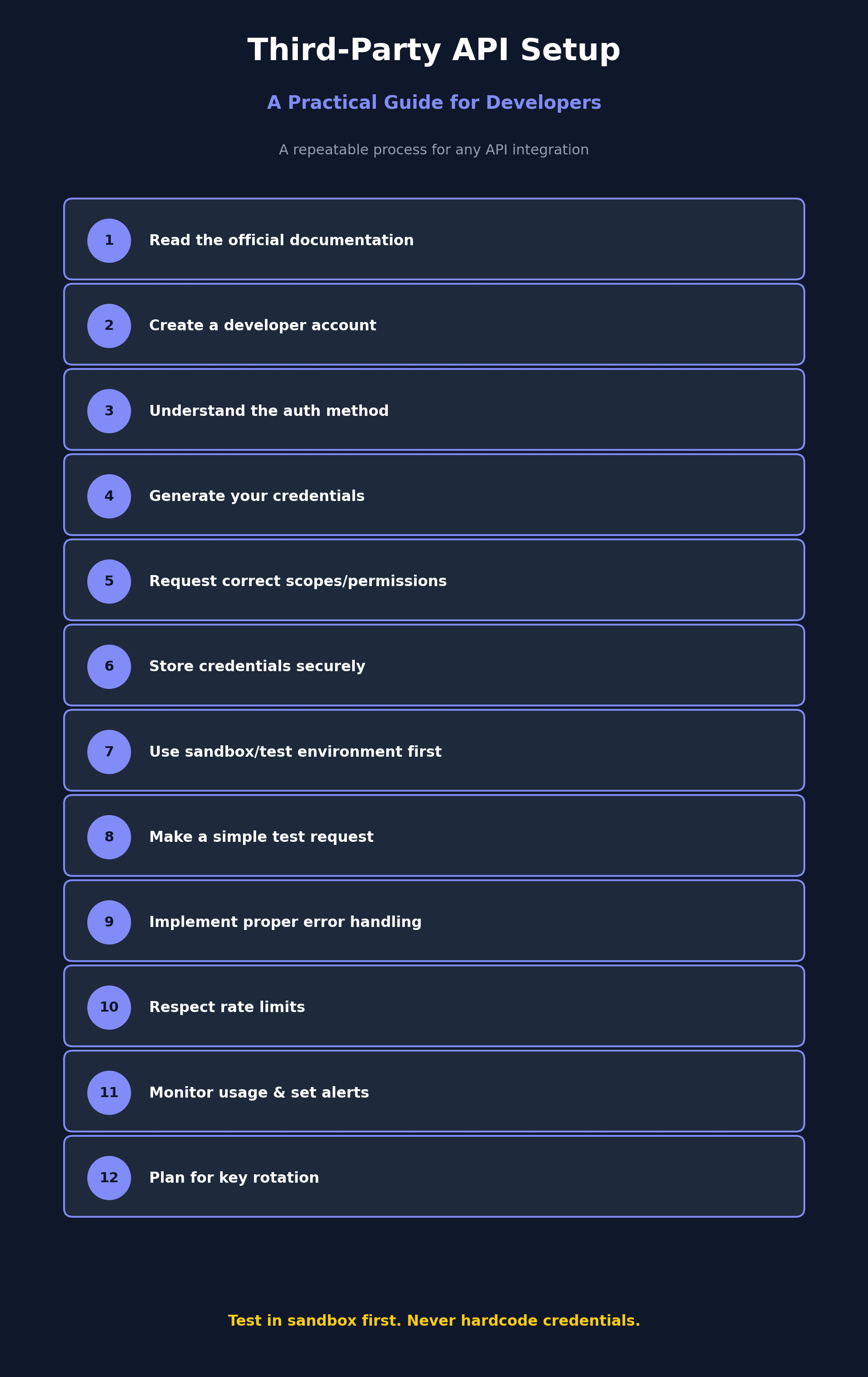
A structured, repeatable approach to third-party API setup helps avoid these common pitfalls, regardless of which service you're integrating:
- Read the official documentation first: Before writing any code, review the API's official quickstart guide or getting-started documentation to understand the required setup steps, authentication method, and basic request structure.
- Create a developer account: Most third-party APIs require signing up for a developer account on their platform, separate from any regular consumer account you might already have with the service.
- Understand the authentication method: Identify whether the API uses a simple API key, OAuth2 flow, bearer tokens, or another authentication approach, since this determines how you'll structure your requests and manage credentials.
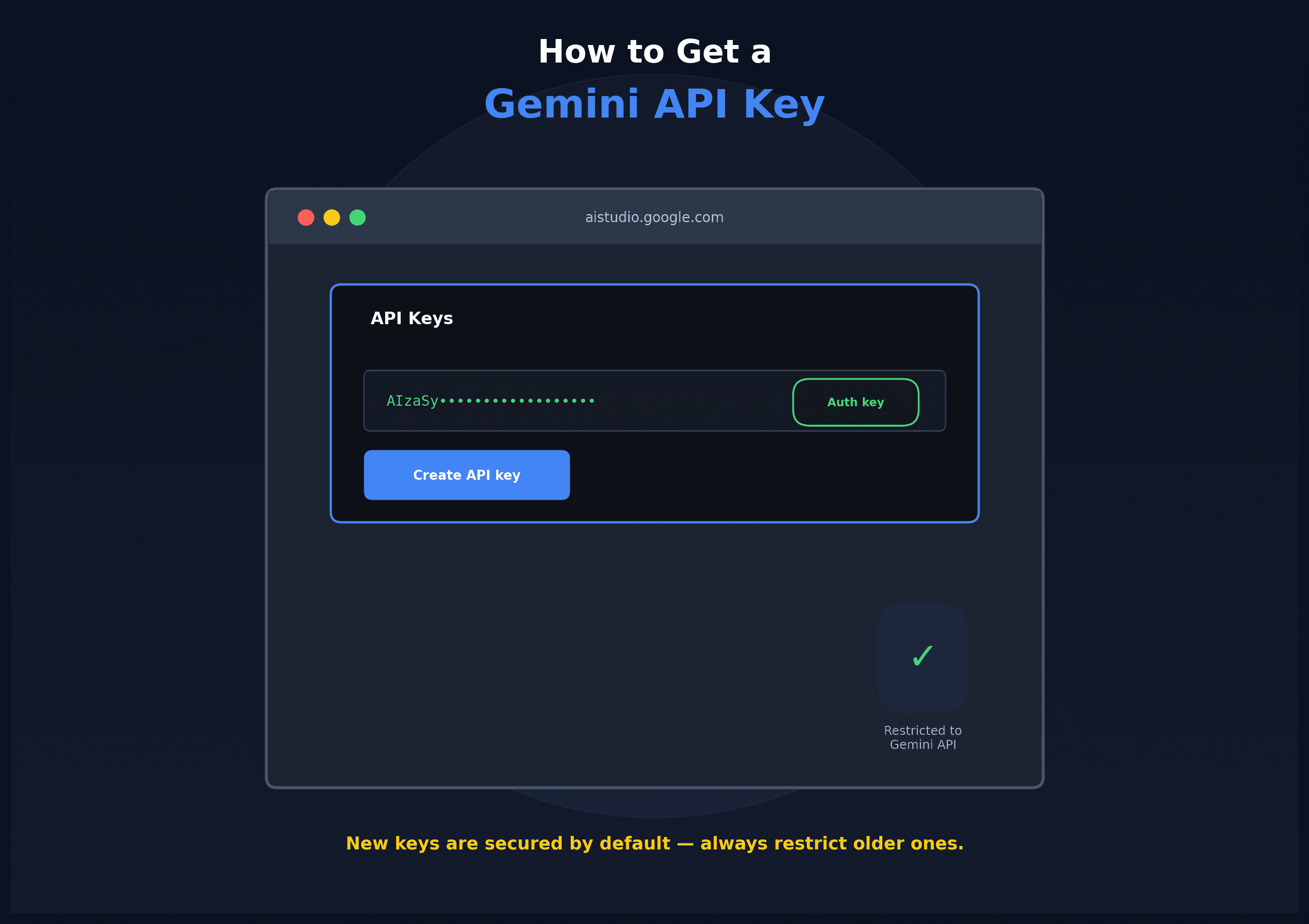
- Generate your credentials: Create your API key, client ID and secret, or other required credentials through the provider's developer console or dashboard, following their specific naming and scoping conventions.
- Request the correct scopes or permissions: If the API requires specific scopes (common with OAuth2-based services), make sure to request only the permissions your application actually needs, following the principle of least privilege.
- Store credentials securely: Save your API keys and secrets as environment variables rather than hardcoding them into your source code, and ensure sensitive files are excluded from version control using a .gitignore file.
- Use sandbox or test environments first: Many APIs, especially payment and messaging services, offer a sandbox environment for testing. Build and test your integration there before switching to live credentials and production endpoints.
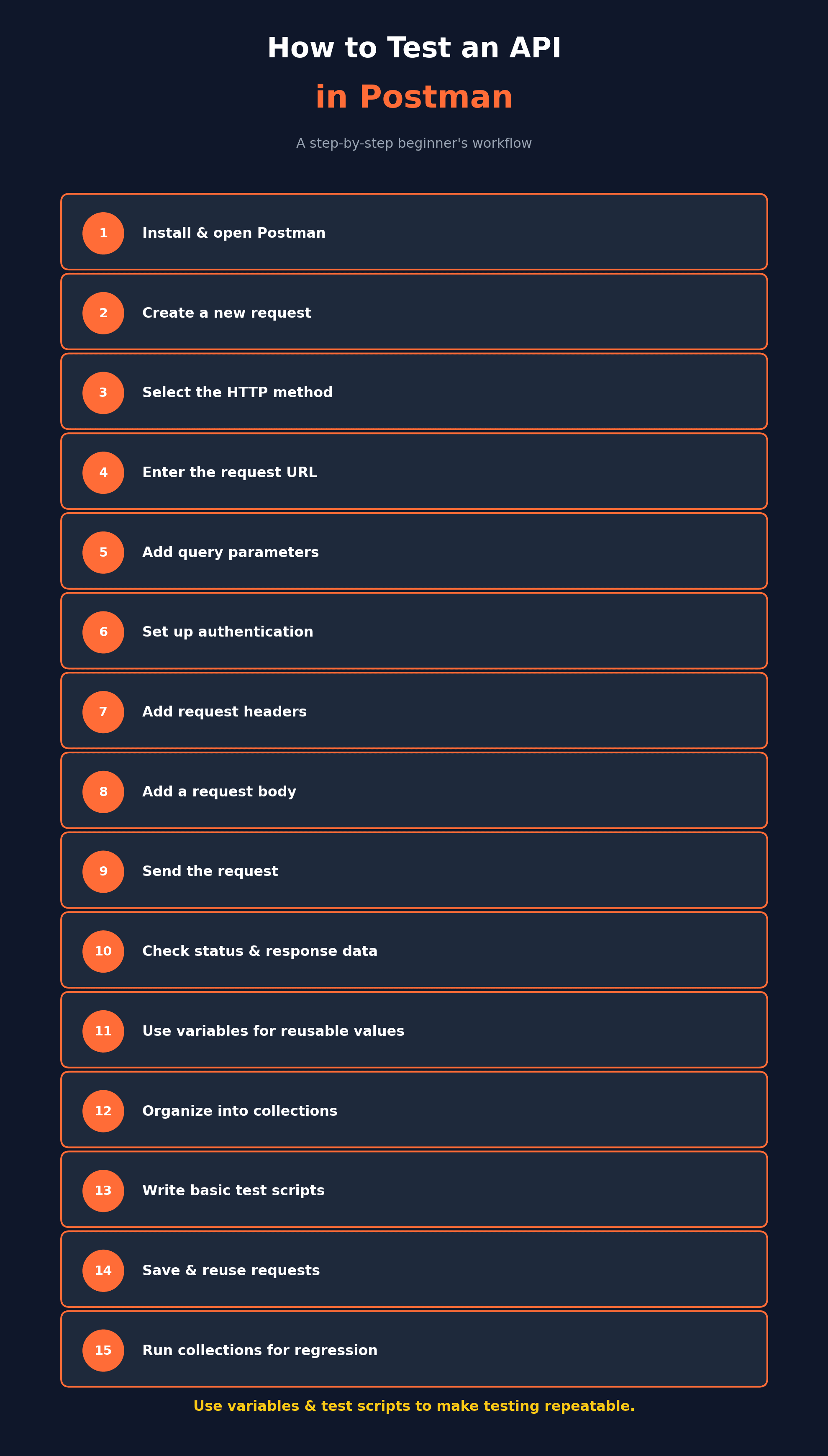
- Make a simple test request: Before building your full integration, send a basic test request (such as fetching account details or a simple GET request) to confirm your credentials and setup are working correctly.
- Implement proper error handling: Review the API's documentation for its specific error codes and messages, and build error handling into your integration so your app can respond gracefully to failed requests, rate limits, or invalid data.
- Respect rate limits: Check the API's rate limit documentation and design your integration to handle throttling gracefully, using techniques like exponential backoff for retries when limits are hit.
- Monitor usage and set alerts: Many API providers offer usage dashboards, and setting up alerts for unusual spikes in usage can help catch bugs or misuse early, especially for paid APIs billed by usage.
- Plan for key rotation and revocation: Build your integration in a way that makes it easy to rotate or revoke API keys if needed, without requiring a major code change, which is especially important if a key is ever compromised.
Following this structured approach makes it much easier to confidently integrate any new third-party API, regardless of the specific service or its unique documentation style.
Conclusion
Third-party API setup follows familiar patterns even though each service has its own specific documentation and quirks. By understanding the authentication method, securing credentials properly, testing in a sandbox environment first, and building in proper error handling and rate limit awareness, developers can integrate new services confidently and avoid the most common setup mistakes. Taking a structured, security-conscious approach from the start saves significant troubleshooting time and helps keep your application stable as it scales.