Introduction
GitHub Copilot helped popularize AI-assisted coding, but it isn't free for most individual developers beyond a limited trial, which has led many to look for free alternatives that still offer strong code completion, chat assistance, and multi-file editing support. Fortunately, the AI coding tool space has grown quickly, and several free or generously free-tier options now offer capabilities that rival or even exceed Copilot in certain areas. This post covers the common challenges developers face when evaluating these alternatives, and breaks down the best free options available today.
The Problem
Developers looking for a free alternative to GitHub Copilot often run into a few common challenges:
- Unclear feature parity: Not all free AI coding tools offer the same depth of features as Copilot, such as multi-file context awareness, chat-based editing, or IDE integration, making direct comparisons difficult.
- Confusing free-tier limits: Many "free" AI coding tools actually have hidden usage caps, slower models on the free tier, or limited monthly completions, which isn't always clear upfront.
- Editor compatibility concerns: Some free tools only support specific editors (like VS Code) while others work across a wider range of IDEs, and developers using less common editors may struggle to find good support.
- Inconsistent code quality: Free tiers sometimes rely on smaller or older AI models, which can produce less accurate or less context-aware suggestions compared to premium offerings.
- Privacy and data usage questions: Developers working on proprietary or sensitive codebases are often unsure how different providers handle code privacy, especially with free-tier offerings that may use submitted code for further model training.
- Switching costs: Since different AI coding tools have different interaction styles and keyboard shortcuts, developers are sometimes hesitant to switch away from a familiar tool even for cost savings.
Without a clear comparison, developers risk either overpaying for Copilot when a free option would suffice, or switching to a free tool that doesn't actually meet their needs.
The Solution
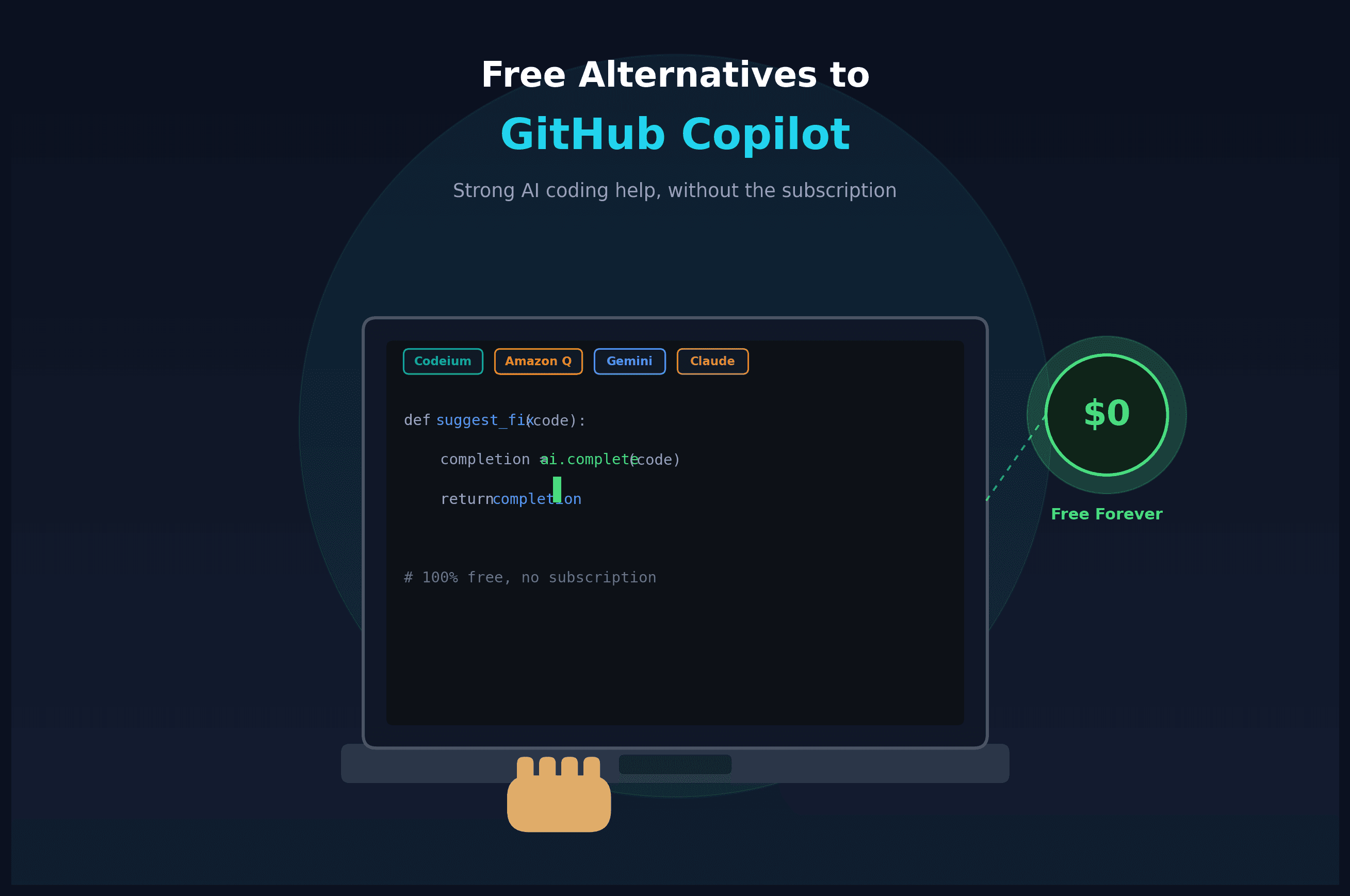
Here are the strongest free alternatives to GitHub Copilot currently available:
- Codeium (now part of Windsurf): One of the most popular free alternatives, Codeium offers unlimited code completions on its free individual plan, along with chat-based assistance, and support for a wide range of editors including VS Code, JetBrains, and Neovim.
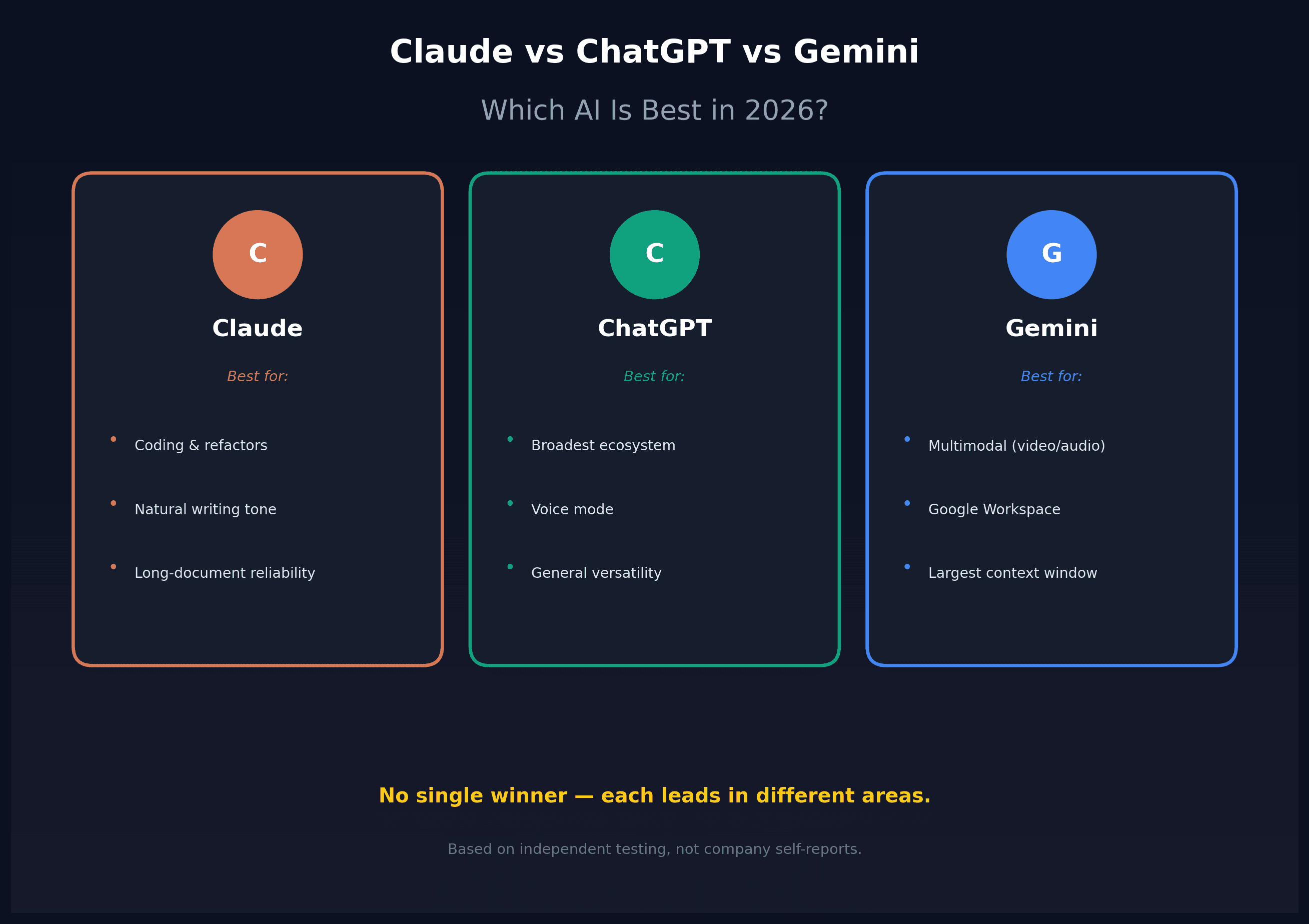
- Claude Code / Claude in VS Code (free tier via Claude.ai): For developers already using Claude for other tasks, Claude's coding capabilities can be accessed through free-tier chat access, offering strong reasoning and multi-file understanding, though with usage limits compared to paid plans.
- Amazon Q Developer (formerly CodeWhisperer): Amazon's AI coding assistant offers a genuinely free individual tier with unlimited code suggestions, making it a strong choice for developers already working within the AWS ecosystem or building cloud-focused applications.
- Tabnine (free tier): Tabnine offers a free plan with basic code completion features, along with a focus on privacy-conscious options for teams that need more control over how their code is handled.
- Continue.dev (open source): An open source AI coding assistant that lets developers connect their own choice of AI model (including free or self-hosted options), giving maximum flexibility and control over cost and privacy.
- Cursor (free tier): While Cursor is a full AI-native code editor rather than a plugin, its free tier includes a limited number of premium AI requests per month, making it worth trying for developers open to switching their entire editor.
- Google's Gemini Code Assist (free tier): Google offers a free tier for individual developers with a generous number of code completions and chat interactions per month, integrated into popular IDEs like VS Code and JetBrains.
- Considering self-hosted options: For developers who want full control and no usage limits, running an open source model locally (using tools like Ollama with Continue.dev) is a viable, fully free option, though it requires more setup and a capable local machine.
- Matching the tool to your workflow: Codeium and Amazon Q are strong general-purpose choices for unlimited free completions, Claude and Gemini offer strong reasoning for more complex coding tasks within usage limits, and Continue.dev offers the most flexibility for developers wanting to experiment with different models.
- Checking data and privacy policies: Before committing to any tool for professional or proprietary work, review the provider's policy on whether your code is used for model training, especially important for free tiers where data usage terms can differ from paid plans.
By evaluating these options against your specific editor, workflow, and privacy needs, you can likely find a free AI coding assistant that meets your needs without paying for a Copilot subscription.
Conclusion
GitHub Copilot may have started the AI coding assistant trend, but it's no longer the only strong option, especially for developers looking to avoid a monthly subscription. Codeium and Amazon Q Developer stand out for offering genuinely unlimited free completions, while Claude, Gemini Code Assist, and Continue.dev offer strong alternatives depending on your specific workflow and flexibility needs. Trying a couple of these options directly in your own coding environment is the best way to find the free alternative that truly fits how you work.